Best Iptv App For Fire Stick
Before You Begin
Step-by-Step Guide for Firestick and Android Box
Step 1: Enable ‘Apps from Unknown Sources’
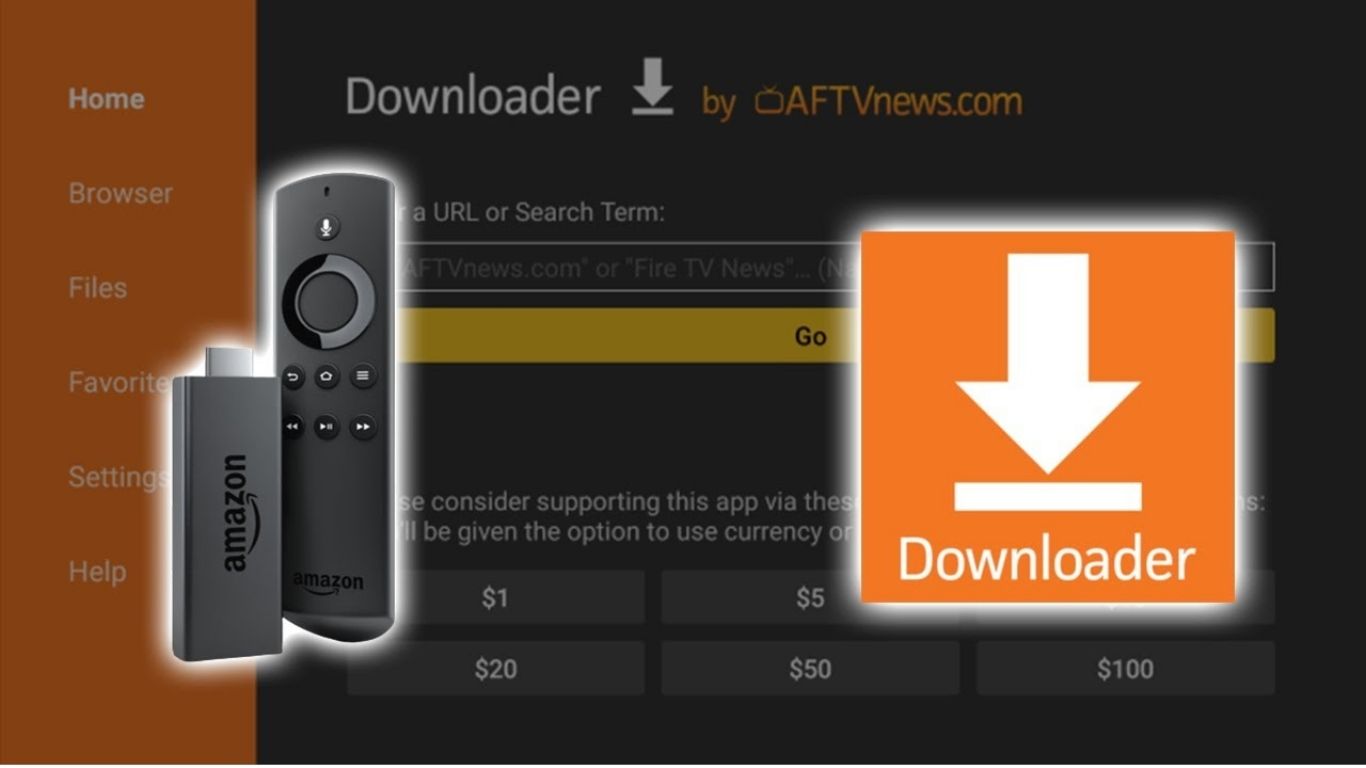
Step 2: Open Downloader App
- Launch the Downloader app on your device.
Step 3: Enter the BEST IPTV UK App Short Code :
- In the Downloader app, you’ll see a URL box.
- Enter the direct download Short provided to you for the BEST IPTV UK app. (Typically provided after subscription,( 7709919 ).
- Click GO.
Step 4: Download and Install the App
- Wait for the download to finish.
- After the download completes, the installation prompt will appear. Select Install.
- Wait for the app to install fully, then click Done.
Step 5: Launch BEST IPTV UK
- You can now open BEST IPTV UK directly or find it in your apps list on your Firestick or Android Box home screen.
Final Steps
- Open the app, log in with your provided credentials, and start enjoying premium IPTV channels, movies, series, and much more without buffering issues.
Need Help?
