Iptv Uk Services 2025
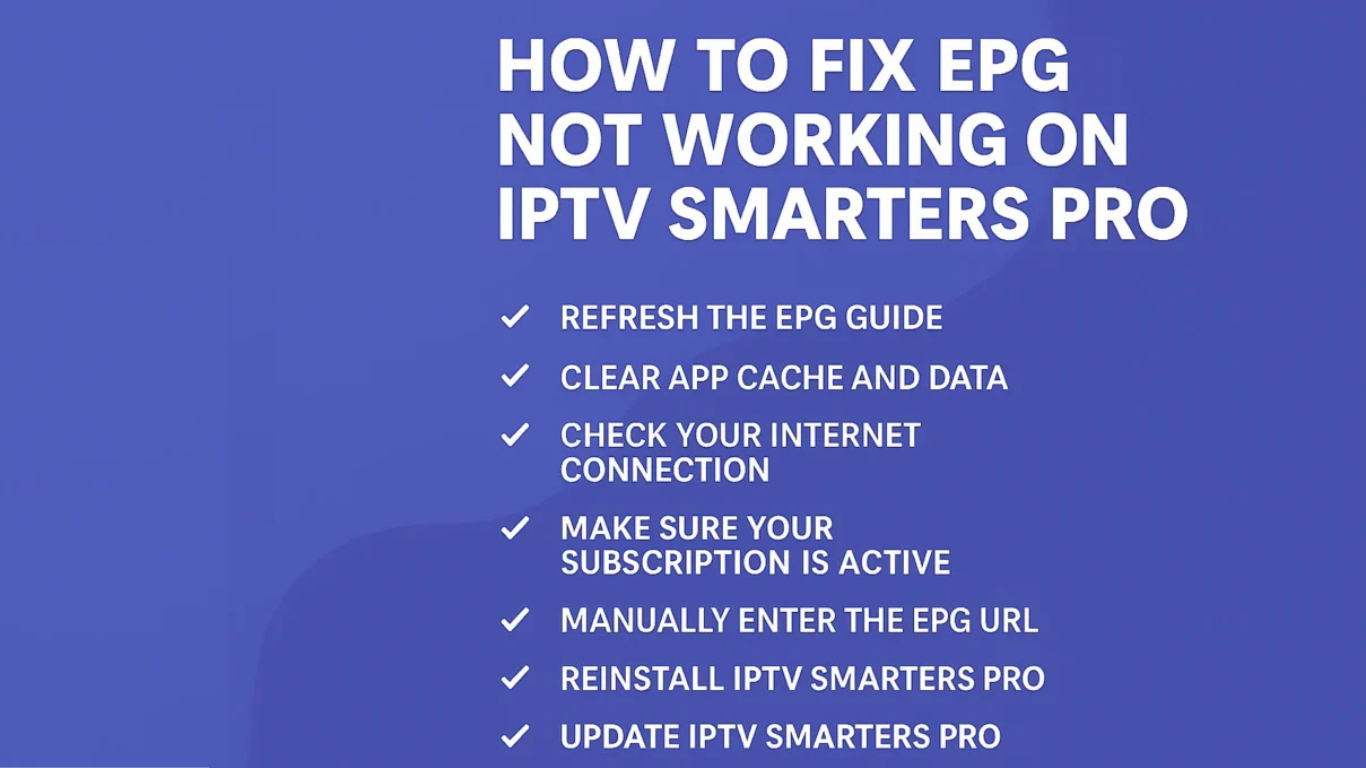
How to Fix EPG Not Working on IPTV Smarters Pro – Complete Guide (2025)
What Is EPG in IPTV Smarters?
- Channel name
- Current and upcoming shows
- Start/end times
- Short descriptions
Why EPG Stops Working on IPTV Smarters Pro
- Incorrect or outdated EPG URL
- Corrupted cache or app data
- Inactive or expired IPTV subscription
- Server issues on the provider’s end
- Poor internet connection
✅ How to Fix EPG Not Working on IPTV Smarters Pro
1. Refresh the EPG Guide
- Open IPTV Smarters Pro
- Go to the Live TV section
- Click the three-dot menu (top right)
- Tap Refresh EPG
2. Clear App Cache and Data
- Go to Settings > Applications > IPTV Smarters Pro
- Select Clear Cache and Clear Data
- Reopen the app and log in again
- Try refreshing the EPG again
3. Check Your Internet Connection
- Test your connection with another app like YouTube
- Restart your Wi-Fi router
- Try switching to mobile data or another network
- If using a VPN, try disconnecting and checking again
4. Confirm Your IPTV Subscription Is Active
5. Manually Add the EPG URL
- Open IPTV Smarters Pro and go to Settings
- Click on EPG
- Paste the EPG link provided byiptvuk.it.com
- Save and refresh
6. Reinstall IPTV Smarters Pro
- Uninstall the app
- Restart your device
- Reinstall from your app store
- Login with your IPTV credentials
- Try refreshing the EPG again
7. Update the App to the Latest Version
8. Test the EPG on Another Device
- Try logging into your IPTV account on another device (smartphone, tablet, PC)
- Compare if the EPG loads there
9. Contact iptvuk.it.com Support
Final Thoughts
